

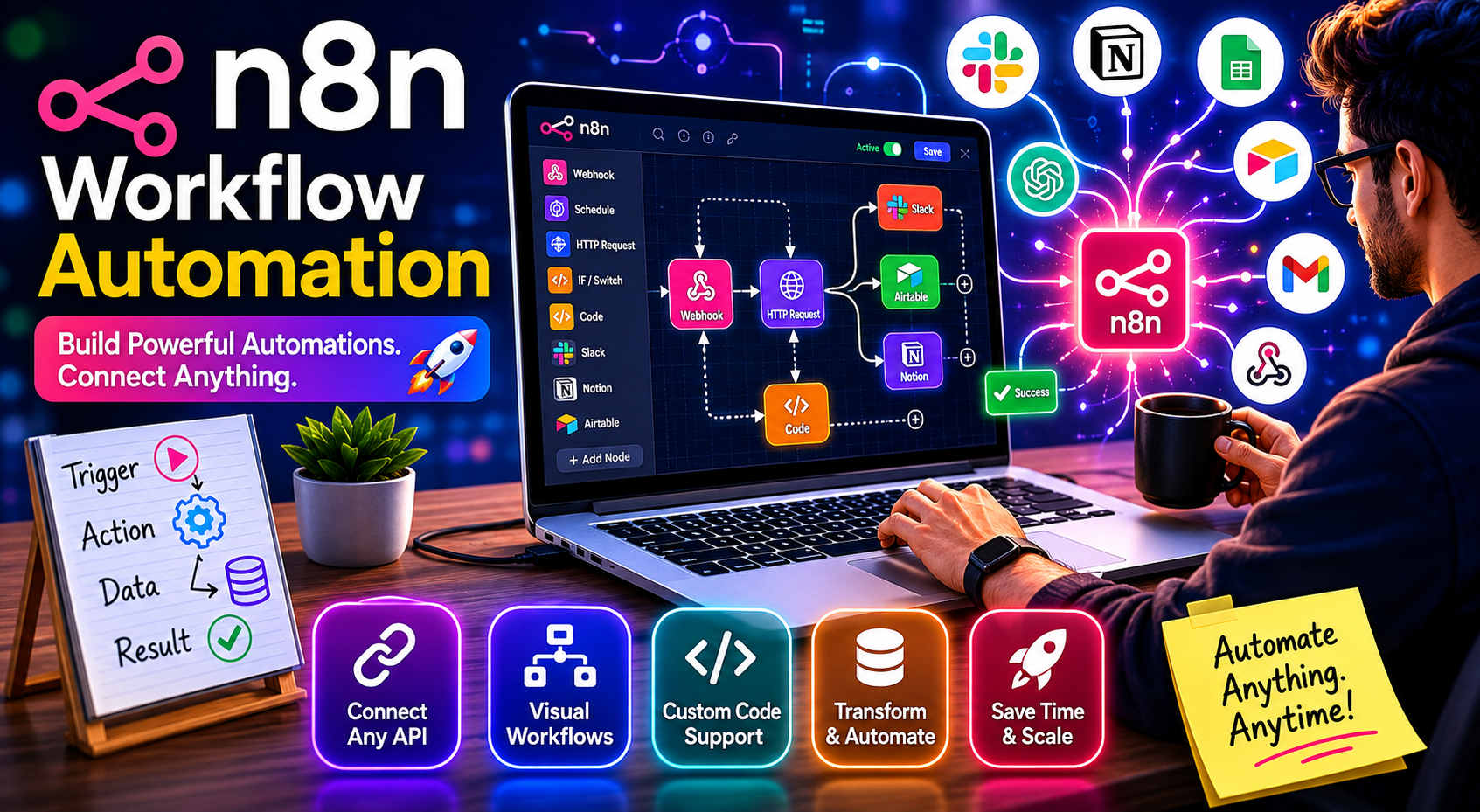
If you’ve ever stitched together tools with copy-paste and calendar reminders, you already know why workflow automation matters. n8n is a powerful, self-hostable alternative to closed SaaS automation platforms. It’s designed around flexibility: you can connect APIs, transform data, add logic, and keep control over your infrastructure and costs. This article walks through core concepts, design patterns, and practical tips to ship reliable automations with n8n—whether you’re a solo builder or running it in production for a team.
What is n8n, and when should you use it?
n8n is a node-based workflow automation platform. You build flows visually by linking nodes—triggers, actions, and logic—to move data between services. It runs anywhere Docker can run (and beyond), supports hundreds of integrations, and lets you write custom code in JavaScript/TypeScript when needed.
Use n8n when:
- You want vendor flexibility and self-hosting.
- You need conditional logic and data shaping beyond “if this then that”.
- You need to call arbitrary APIs, paginate results, or normalize complex JSON.
- You care about cost predictability, on-prem compliance, or data locality.
If you only need a couple of simple zaps and never touch code, a hosted no-code tool might be faster to start. But as soon as you hit branching, loops, bulk data, or webhook choreography, n8n shines.
Core building blocks
- Triggers: Start a workflow. Common ones are Webhook, Cron, IMAP Email, and App-specific triggers. Choose between manual, scheduled, and event-driven triggers depending on latency and reliability needs.
- Nodes: Each node performs an action—HTTP Request, Set, Merge, IF, Switch, Code, and app connectors (Slack, Notion, Airtable, etc.). Nodes consume and produce items (arrays of JSON objects).
- Expressions: Use {{ }} to reference data from previous nodes, environment variables, or static values. For example: {{$json.email}}.
- Data model: Workflows pass “items” down the chain. Most nodes consume arrays; the HTTP node may return an array when the response is a list. Understanding item arrays vs. single objects prevents surprises.
- Execution modes: Manual runs in the editor vs. production execution (background, with retries, logs, and webhook responses).
Designing a resilient workflow
Think in stages: ingest, validate, transform, act, and observe.
- Ingest
- Webhooks: For inbound events, create a Webhook node that accepts JSON and define an explicit response path. For third-party callbacks, support verification challenges if needed (e.g., HMAC signatures).
- Polling: When a service lacks webhooks, use Cron + HTTP with ETag/If-Modified-Since headers to poll efficiently. Store cursors (timestamps, IDs) in the n8n database or a data store node to avoid duplicates.
- Validate
- Sanity checks: Use IF nodes to guard required fields and filter out invalid items early. Add a Code node to coerce types (e.g., parse dates, trim strings).
- Idempotency: Generate a deterministic key (e.g., source_system:id) and check if you’ve processed it before. Persist keys in a datastore to avoid double-creating records after retries.
- Transform
- Normalization: Use Set and Move/Keep Only to standardize field names and shapes across sources. Keep payloads compact.
- Enrichment: Call external APIs (e.g., enrich an email with CRM info). Use a Merge node (on key) to combine original and enriched data.
- Mapping logic: Prefer Switch for categorical branches; reserve Code nodes for logic that’s hard to express visually.
- Act
- Side effects: Create/update records, send messages, or trigger downstream webhooks. Wrap write operations in IF checks to avoid partial duplication.
- Rate limits: Insert a Wait or a Split In Batches node to throttle. Respect Retry-After headers. Use expressions to compute backoff.
- Bulk vs. single: Some APIs support bulk endpoints—batch writes reduce API calls and execution time.
- Observe
- Logging: Add a final branch to post structured logs to a logging sink (e.g., HTTP to your SIEM) with executionId, node names, and outcome.
- Alerts: For failures, use an Error Trigger workflow that sends Slack/Email with a link to the execution, input snippet, and error message.
- Metrics: Track counts (processed, created, skipped) via a StatsD/Prometheus endpoint or a spreadsheet row for quick visibility.
Example workflow: From webhook to CRM and Slack
Goal: Receive a lead from a website form, validate it, deduplicate against the CRM, create or update the record, and alert sales in Slack—with retries and metrics.
High-level steps:
- Webhook trigger: Accept POST JSON with fields: name, email, source, message.
- Validate: IF node to ensure email is present and matches a regex. If invalid, respond 400 with a helpful message.
- Normalize: Set node to map fields to standardized keys: fullName, email, source, note.
- Find or create: HTTP node to query CRM by email. If found, branch to update; if not, branch to create.
- Idempotency: Use a datastore to store a hash of email+createdAt. If exists, short-circuit to “already processed”.
- Write: HTTP node to create/update CRM record. Capture returned id.
- Notify: Slack node sends a message with key fields and a deep link to the CRM record. Include an emoji or tag based on source.
- Respond: Webhook node returns 200 and the CRM record id.
- Metrics: HTTP node posts a JSON counter to your metrics gateway.
- Error handling: Error Trigger workflow catches any unhandled exception and pings a #sales-ops-alerts channel with context.
Notes:
- Use a Split In Batches node if your webhook can receive arrays of leads.
- Add a Wait node between retries; read Retry-After from CRM responses if available.
- For PII, sanitize logs or hash emails before emitting to shared channels.
Working with data: Expressions and the Code node
n8n’s expressions let you reference prior outputs intuitively, but a few patterns make them robust.
- Safe access: Use optional chaining to avoid undefined errors in expressions: {{$json?.contact?.email || ”}}.
- Timestamps: Standardize to ISO 8601: {{new Date().toISOString()}}. When ingesting external timestamps, parse and reformat in a Code node to prevent locale issues.
- Reusable helpers: In a Function (Code) node, create small utilities like slugify, chunking, or signature generation. Keep them pure and return structured items:
js
// Code node: normalize names and compute idempotency keyconst crypto = require('crypto');return items.map(item => { const name = (item.json.fullName || '').trim(); const email = (item.json.email || '').toLowerCase(); const key = crypto.createHash('sha256').update(email).digest('hex'); return { json: { ...item.json, name, email, idempotencyKey: key } };});- Merging arrays: Use Merge (By Key) rather than custom code when possible. For joining on email, set “Mode: Merge By Field” and pick the common field.
Reliability, retries, and idempotency
- Retries: Configure node-level retry on transient HTTP failures (429, 5xx). Prefer exponential backoff with jitter: base delay ± random factor.
- Idempotent writes: If the destination API supports upserts or idempotency keys (e.g., Stripe-style), use them. Otherwise, check for existence before create and store your own processed keys.
- Timeouts: Set sensible HTTP timeouts. Very long timeouts can exhaust workers; better to fail fast and retry.
- Concurrency: On self-hosted, tune the number of concurrent executions based on CPU and memory. Use queues (e.g., Redis mode if available in your setup) for bursty loads.
- Durability: Ensure your n8n database (Postgres or SQLite) is backed up. For high availability, use Postgres and externalize file storage if you persist binaries.
Security and governance
- Credentials: Use n8n’s Credentials store. Prefer OAuth where available; rotate tokens routinely.
- Secrets: Don’t hardcode in expressions. Reference environment variables via {{$env.VAR_NAME}} and inject them at runtime.
- Webhooks: Verify signatures or shared secrets on inbound requests. Serve n8n behind HTTPS with a proper reverse proxy.
- PII handling: Mask sensitive fields in logs and Slack messages. Store only what you need, for as long as you need it.
- Least privilege: API keys should be scoped to the minimal permissions required.
Testing and versioning
- Test data: Create a Manual Trigger branch that injects representative payloads. Keep a node disabled in production, enabled in dev.
- Dry runs: Use the “Execute Node” feature to test transformations step by step. Inspect input/output to catch shape mismatches early.
- Branch coverage: For IF/Switch nodes, test each path with crafted inputs.
- Version control: Export workflows as JSON and commit them. Name nodes clearly and add notes for intent (“dedupe check”, “error formatter”).
- Environments: Maintain separate instances or use environment variables to switch endpoints (e.g., staging vs. prod CRM).
Operating n8n in production
- Deployment: Docker-compose is the fastest path; for scale, deploy to Kubernetes. Pin versions, and upgrade during maintenance windows after testing.
- Observability: Enable execution logging. Ship logs to a central system. Tag logs with workflowId, executionId, and major node names.
- Alerting: Wire the Error Trigger workflow to your incident channel. Include a run link and a compact payload snippet.
- Cost control: Self-hosting keeps costs predictable. Still, optimize API calls, use batching, and avoid tight polling intervals.
- Documentation: Keep a lightweight runbook per workflow: purpose, triggers, rate limits, credentials used, escalation path.
Common pitfalls and how to avoid them
- Silent data shape drift: External APIs change. Add a lightweight validation Code node that asserts required fields and raises a clear error.
- Duplicates after retries: Always implement idempotency for creates. Favor upserts where possible.
- Pagination misses: Many APIs default to a small page size. Implement while/next loops (Split In Batches or pagination params) until no next page token remains.
- Expression surprises: Undefineds cause empty strings. Guard with defaults and log when critical fields are missing.
- Slack spam: Aggregate notifications or thread them per record. Add rate limits to notification branches.
Final thoughts
n8n gives you the power of programmable automations with the accessibility of a visual editor. Start small: one workflow that saves an hour a week. Add guardrails—validation, idempotency, retries—so it keeps working when APIs wobble. As your library grows, standardize patterns, centralize secrets, and document the why behind each flow. With these habits, you’ll turn brittle glue scripts into dependable operational rails—and unlock compounding leverage across your tools and teams.
Discover more from Think Daily
Subscribe to get the latest posts sent to your email.